Changing Your Internet Supplier or Router
With today’s competitive market, internet providers frequently offer new deals on broadband and phone services, often including a replacement router. However, when your CCTV system was originally installed, the recorder obtained a DHCP address from your previous router.
When changing to a new router, the CCTV recorder may need to obtain a new DHCP address in order to reconnect correctly — but don’t worry, this is a very simple procedure.
Before You Start
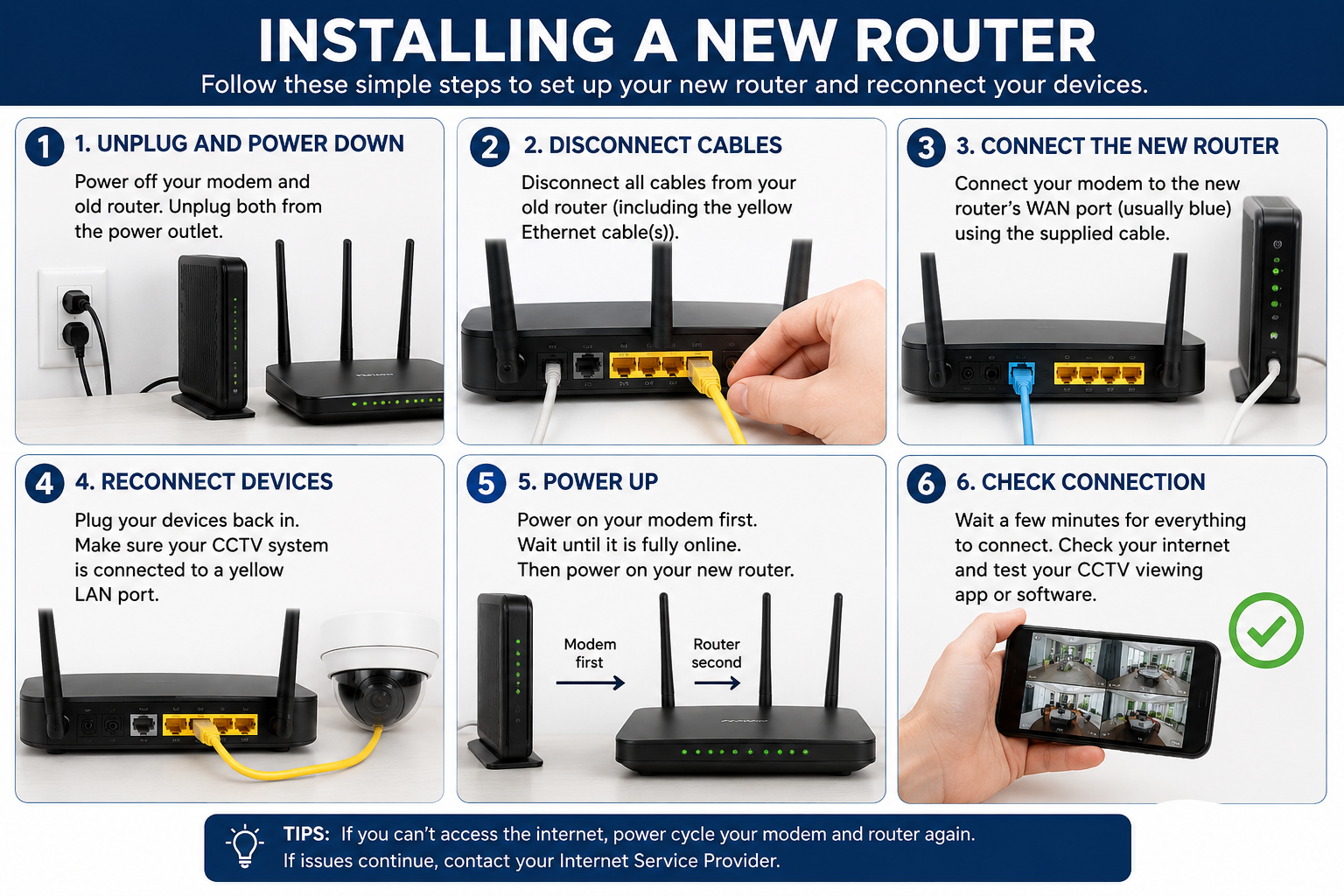
Once your new router has replaced the old one, ensure that all cables are plugged back into the correct ports, especially the yellow network cable connected to the CCTV recorder.
Reconnection Procedure
Power up your new router (if you have not already done so).
Power off the CCTV recorder and wait 60 seconds.
Re-power the CCTV recorder.
Wait approximately 2 minutes, or until you hear a confirmation beep from the recorder.
Check your viewing app or remote software.
The CCTV recorder should now automatically obtain a new DHCP address from the new router, and your remote viewing should resume normally 😉